

21points registrations replace the spreadsheet and the WhatsApp thread: teams sign up on their own through a public form, every player signs their own authorisation and you approve once everything is in order. This guide follows the process from the organiser's side.
- 1 Customise the form
- 2 Open registrations
- 3 The team signs up
- 4 Signatures and payment
- 5 Approve the registration
01Customise the form
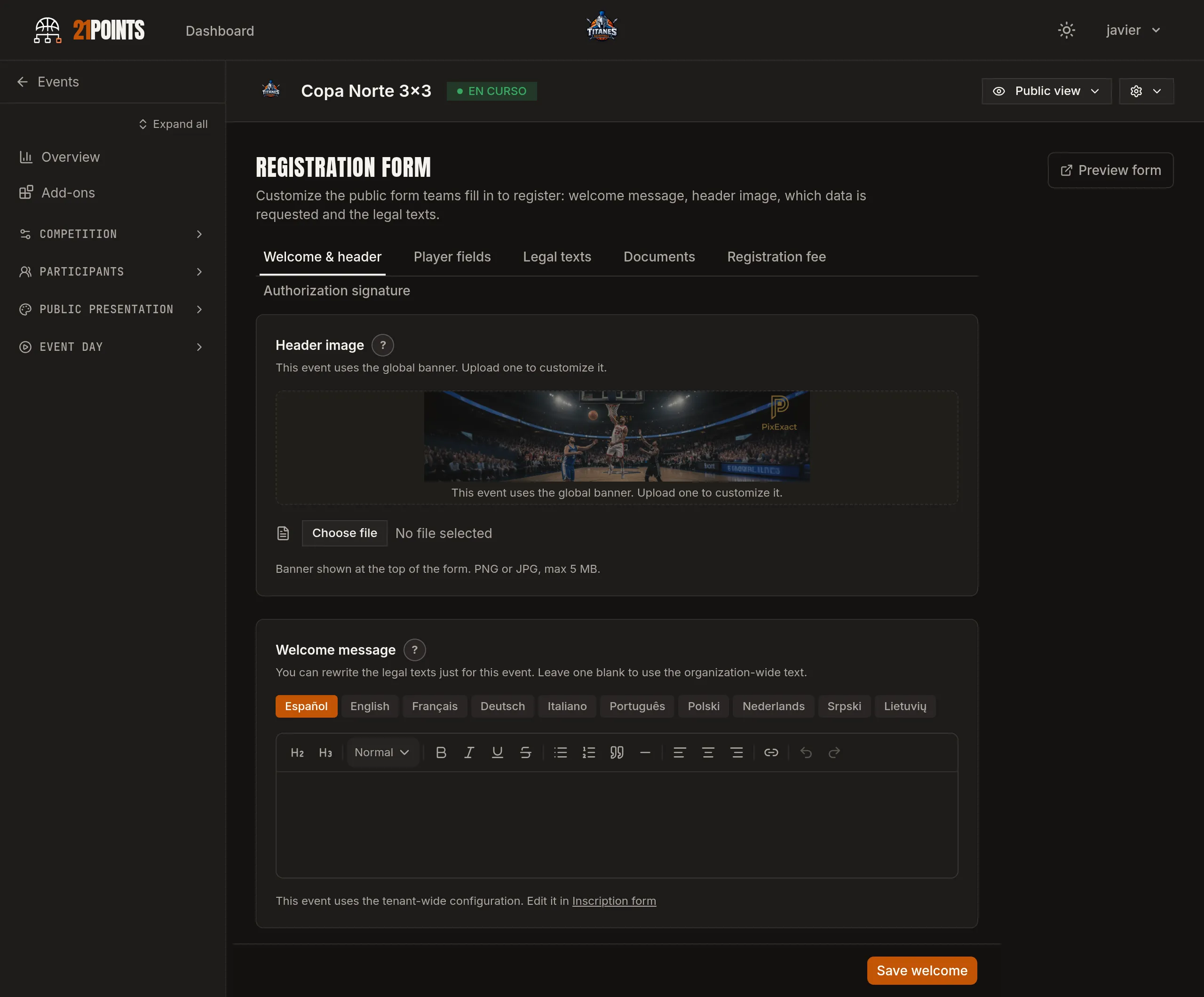
The public form is configured once for your whole organisation and, if an event needs it, overridden for that event only. You can adjust:
- Welcome message and header image — the text teams see when they open it and a banner with your brand.
- Player fields — which details are asked for and which are mandatory: ID number (with an image if you want), year of birth, email, phone, jersey number, home club or whether they're federated. First and last names are always required.
- Organiser documents — your legal texts as acceptance checkboxes (mandatory or optional) and downloadable files, for example the rulebook as a PDF.
- Minors — the age from which a player counts as an adult, which decides who needs a guardian.
02Open registrations
All you need is one category created and the event published. From then on you share the form link: you can give it per category or as a single page where the team picks its own. You can close registration for one category — it stops appearing on the form while the others stay open — or set the registration deadline for the whole event.
03The team signs up
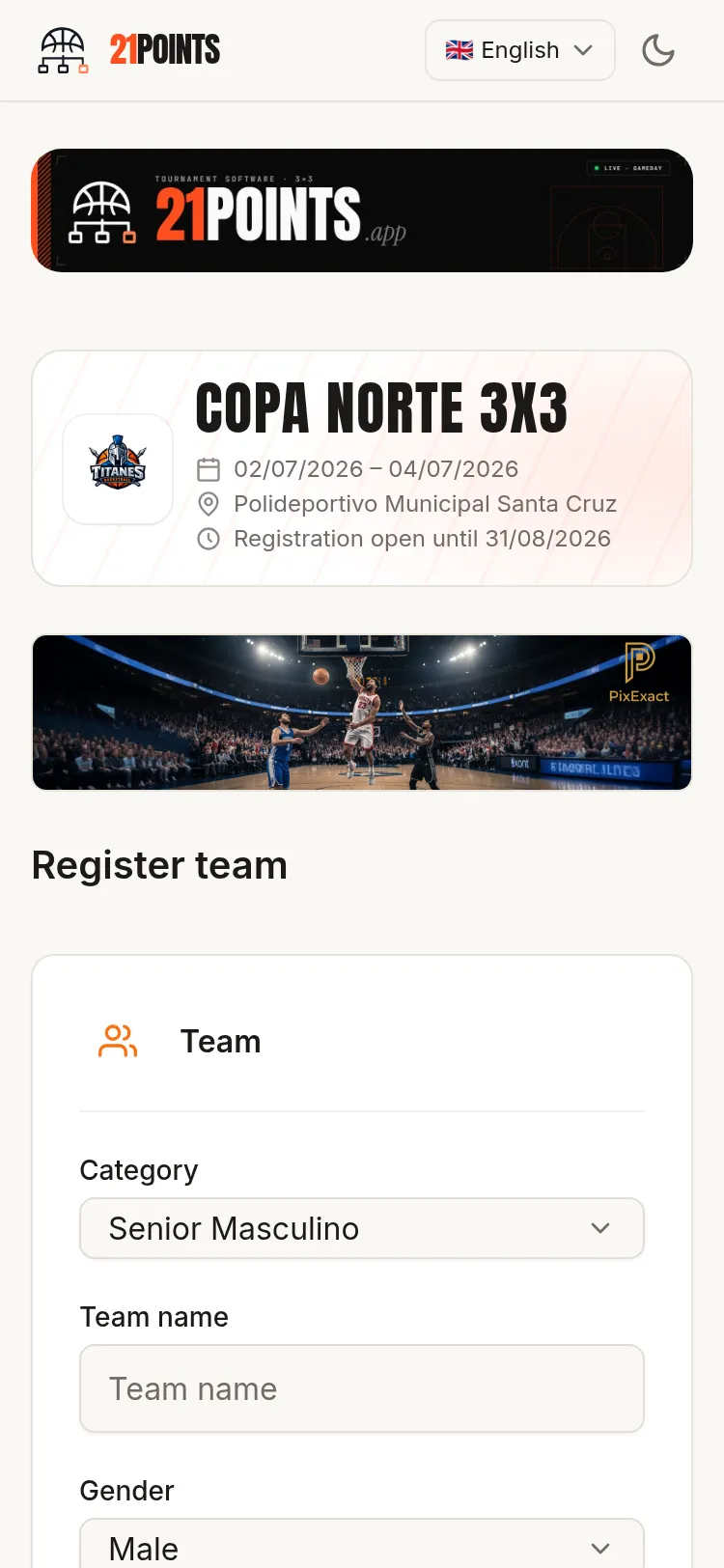
The captain fills in the contact details, the roster and, optionally, the team logo; accepts the consents you marked as mandatory and submits. The app validates the usual trouble spots for them: ID format (including the check letter), emails and phone numbers, and duplicate jersey numbers within the team. If it spots players below the age you set, it says so and asks for the legal guardian's details.
04Signatures and payment
Each player gets their own signature link and authorises separately: their details, the identity document and the image-use consents, plus any documents you consider necessary for your tournament, in free format. Minors are signed for by their legal guardian, who provides the relationship and their own details. The signing window ends when the event starts.
So you don't have to chase anyone, the captain gets a tracking link showing in real time who has signed and who hasn't, and can forward it to the team.
Payment is by bank transfer or whichever method the organiser decides: the team pays, uploads its receipt and you mark it as Approved, Rejected or Exempt. The review history is kept.
05Approve the registration
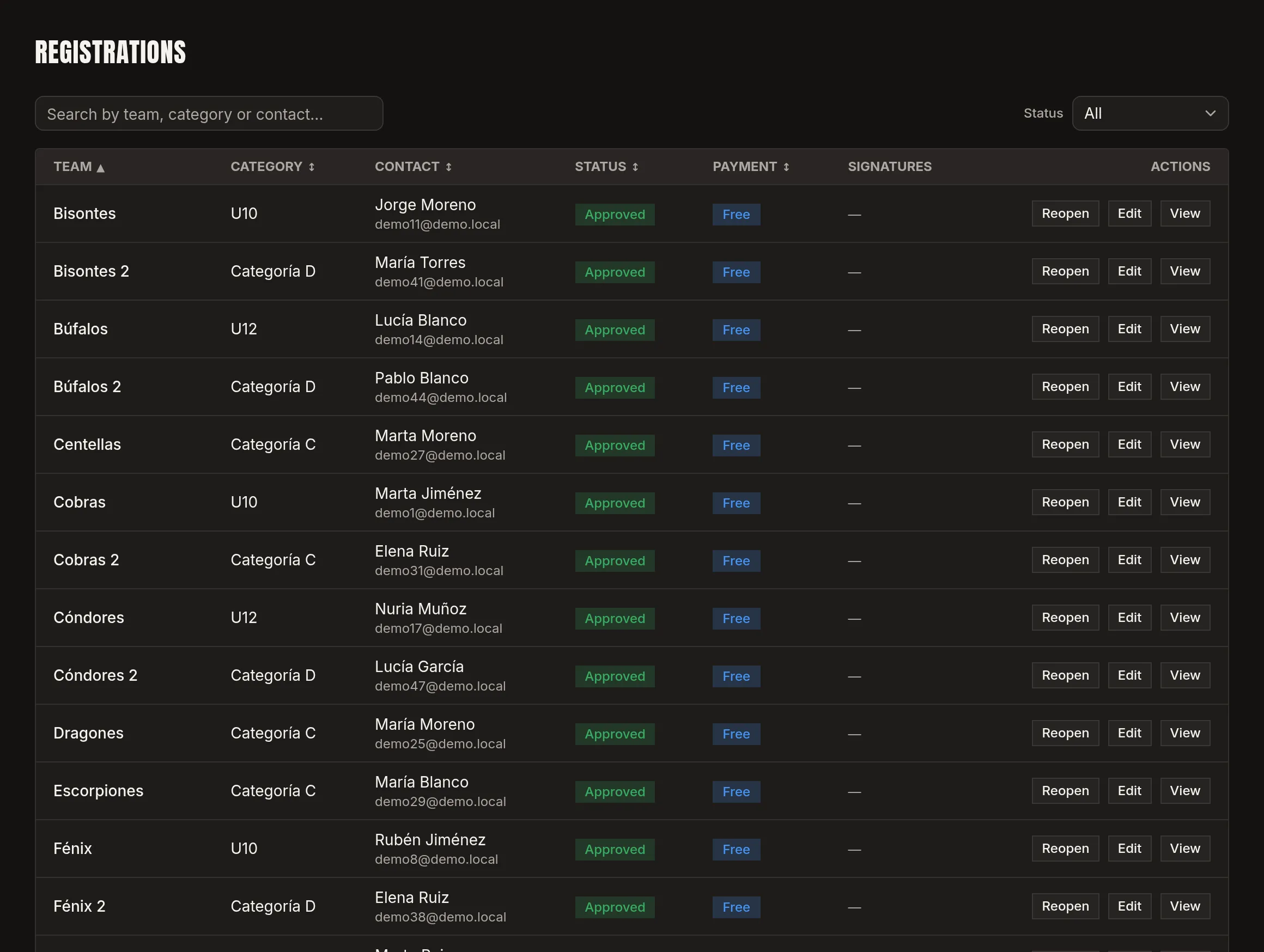
Approval is blocked while the payment or the signatures are missing, and the app lists exactly what's outstanding (for example, "player signatures pending 2/4"). Once everything is in, you approve and the team enters the competition. If you keep the authorisations on paper or through another channel, you can approve with override: those players are recorded as "authorised by the organiser".
06Last-minute changes
A player gets injured the day before and another one steps in: you send the team contact a player change link to remove one and register the replacement, who signs their authorisation like everyone else. If the roster drops below the category minimum, you're warned.
07Image rights
The image-use consent is collected player by player. If someone declines, their team is flagged with a notice naming the affected players, so you know you can't publish photos or video of their games. That's the difference between complying with the GDPR and believing you comply.
Frequently asked questions
What happens with underage players?
They're detected by their date of birth and require the legal guardian's signature, with the relationship and, if you configure it, an image of the minor's document.
Can I approve a team that hasn't signed yet?
Not by default, but there is approve with override if you keep the authorisations another way.
How is the registration fee collected?
By bank transfer, with the receipt uploaded to the form. The fee is set per team or per player and each category can have its own amount; you configure it when creating the tournament.
Is there a team limit per category?
Only if you set one: with open registration there's no cap and the format is decided at closing; with fixed capacity, each category has its maximum.
Can a player be swapped after registering?
Yes, with the player change link.