
When you publish a tournament, 21points builds it its own public site: one page per event where teams, families and spectators follow the games live from their phone, with nothing to install. This guide reviews what they'll find there.
- Live match day
- My Match Day
- iCal + QR
- 1 Event page
- 2 Match day live
- 3 Standings, bracket and stats
- 4 Share and print
The event page
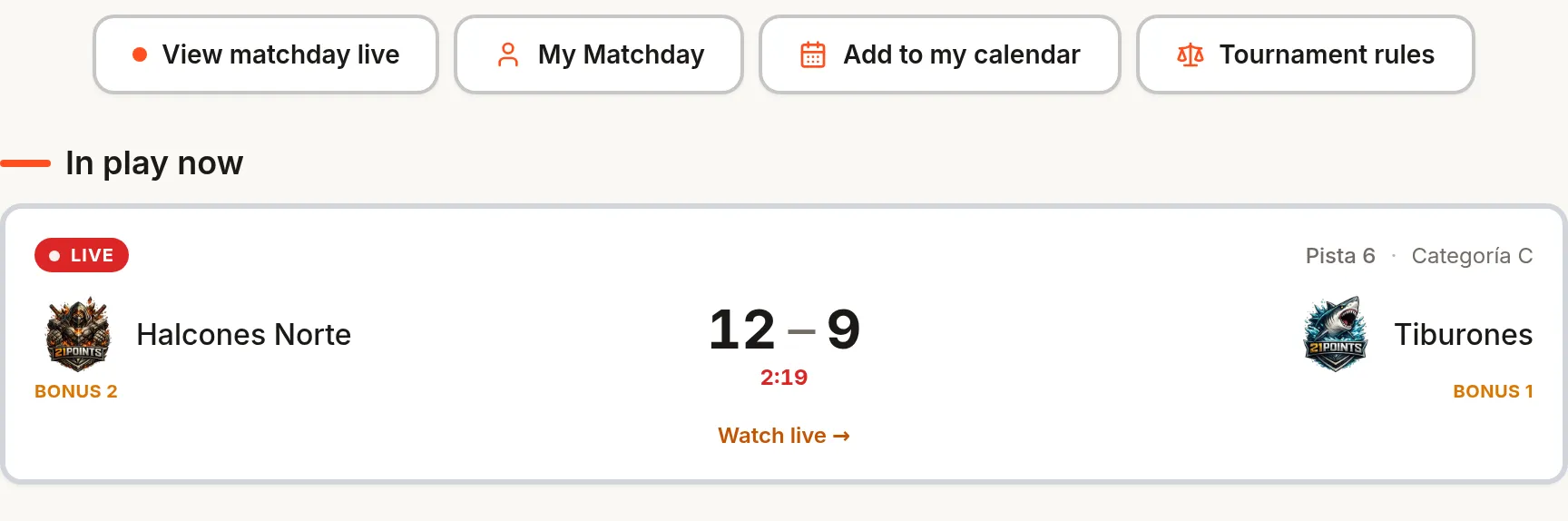
It's the tournament cover: header with your brand, dates, venue (with a link to the map), organiser and category and team counters. Below, the categories with their minimum and maximum roster, a notice of a game in play now with its score, and — if registrations are still open — the button to register a team with the closing countdown.
Virtual match day (live)
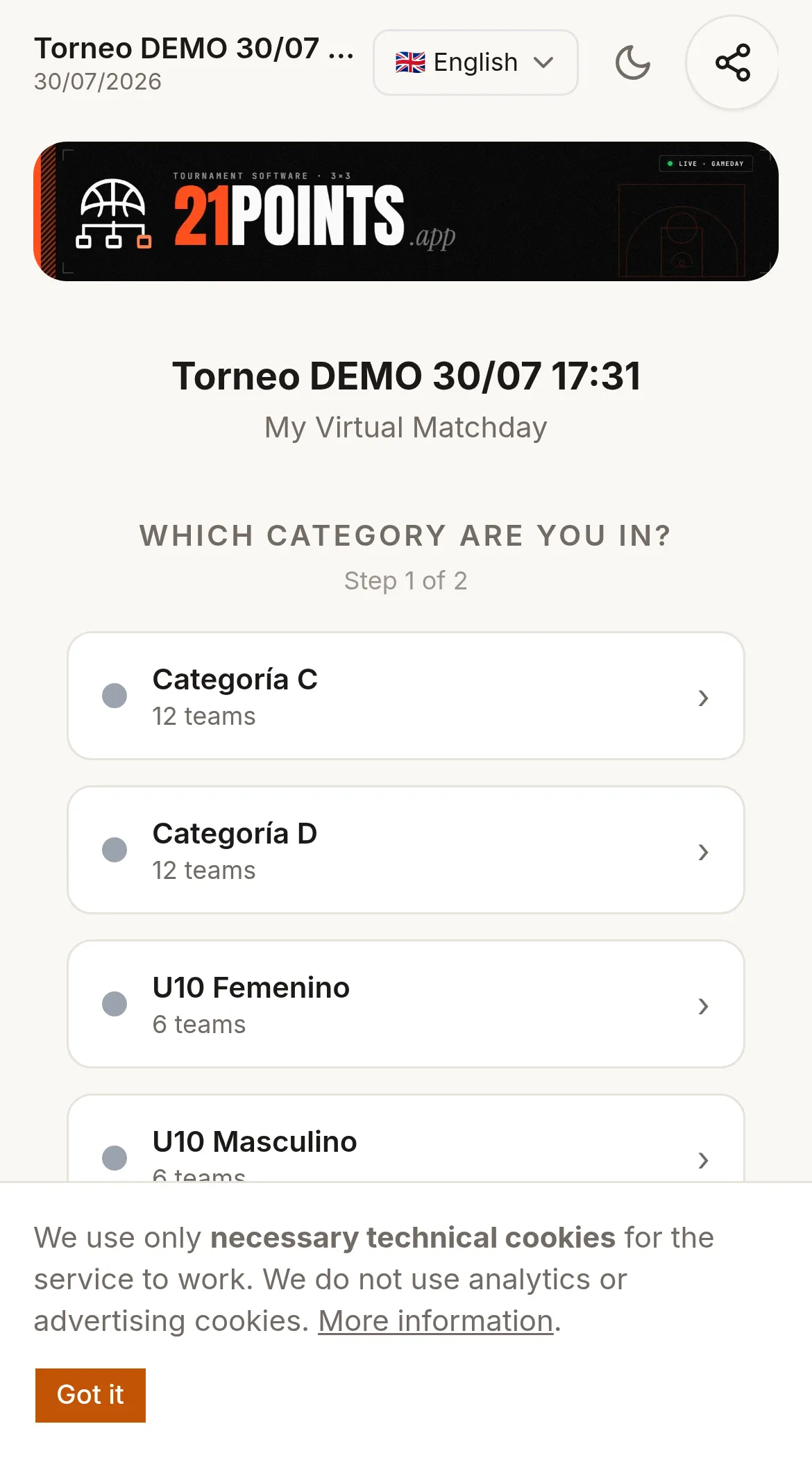
It's the star view, designed for the phone and to be shown on a screen at the venue. It updates on its own every few seconds — without reloading — and filters by category, with tabs:
- Live — the games being played, with the score up to the minute.
- Upcoming — what's coming and at what time.
- Results — what's already been played.
- Standings — each category's table.
- Rules — the tournament's format and rules.
My Match Day
A personal version of the match day: the fan picks their category and filters by their team to follow only its games. Ideal to pass on to families, who don't want the whole grid but to know when and how their team is doing.
Standings, bracket and stats
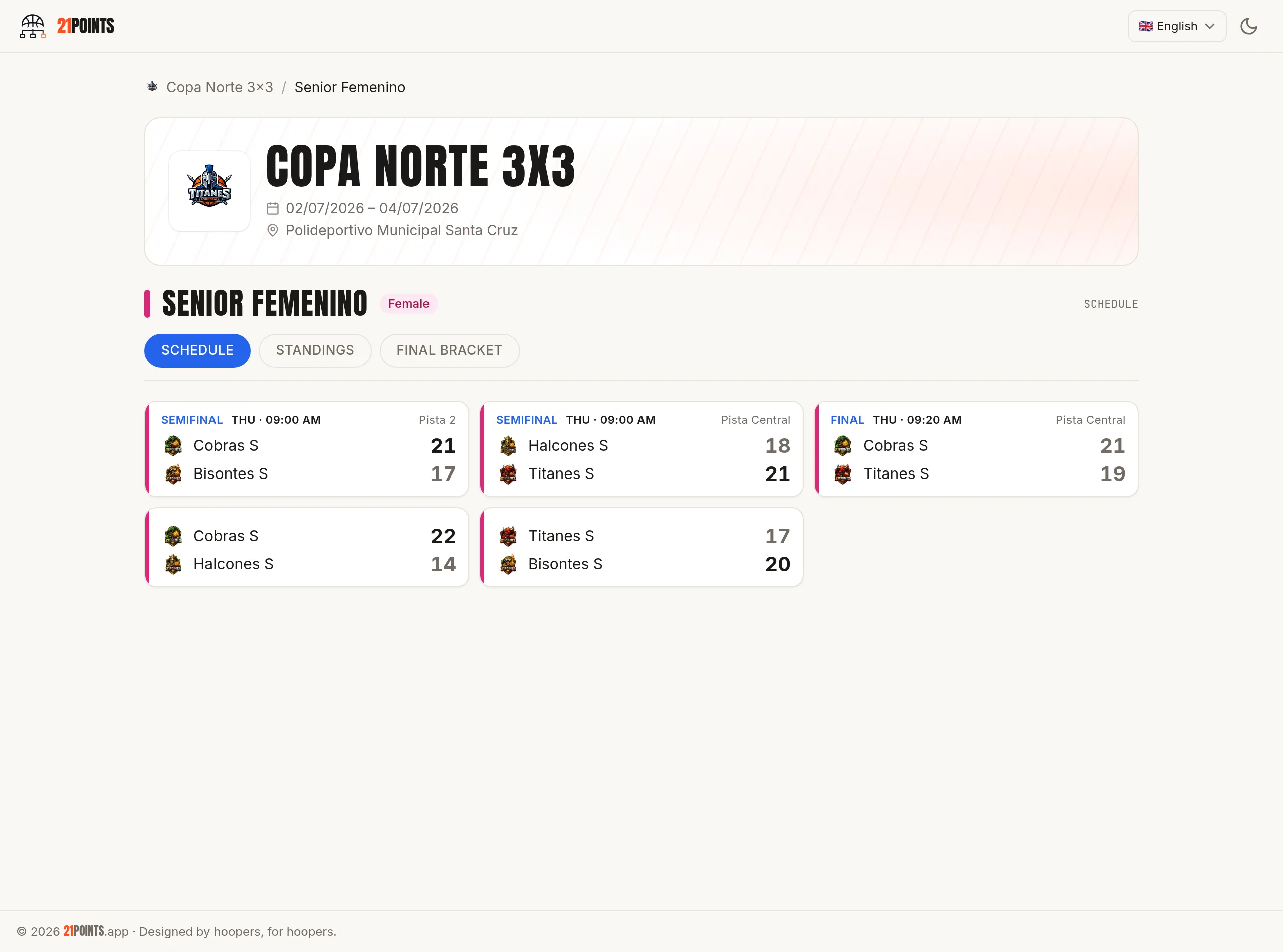
Each category has its live standings and, in knockout formats, its bracket, which updates as the results come in (with a LIVE label while games are on). The event also has a stats page: top scorers, MVPs and standings by category.
You can decide how much is shown: the public standings can hide points against and difference, useful in tournaments where all that matters is reaching 21. The table details and the tiebreakers are explained in the formats and brackets guide.
Team, player and game pages
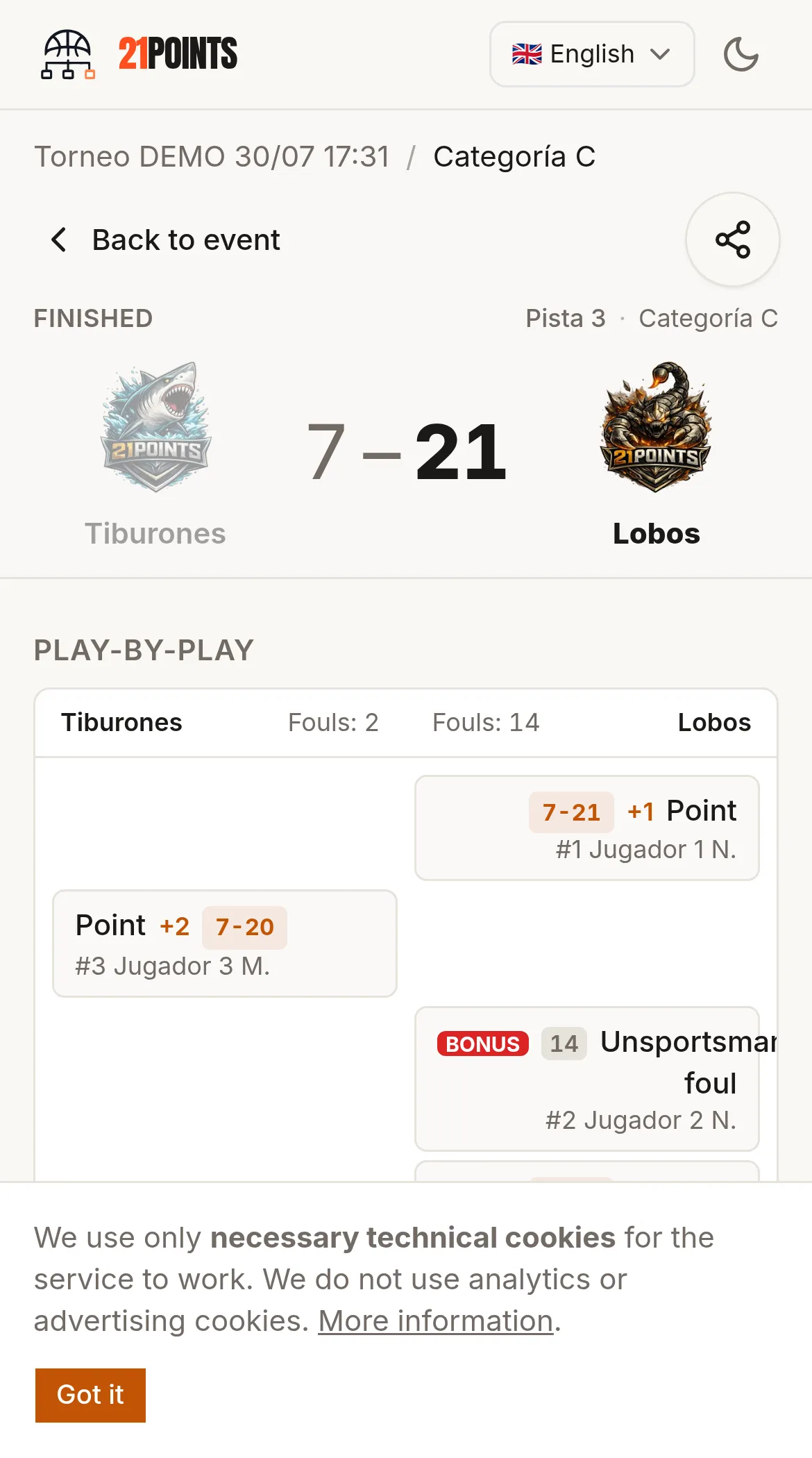
Each team and each player has its own page, and each game has one too with a short code to share. In finished games with the MVP voting add-on, the public votes from there. Each player's image use is respected according to what they consented to when registering.
Share and print
For the public site to be worth anything, it has to be spread around, and the app makes it easy:
- Share button on the pages, with a direct link via WhatsApp or social.
- Event poster (A4 PDF) with your brand and a large QR to the public page, to hang at the venue.
- QR per court with each court's agenda, and a virtual match day QR.
- iCal calendars for the event, a category or a team: the fan subscribes and the games enter their calendar, with schedule changes included.
Roll of honour
When you close editions, their champions stay on your organisation's roll of honour page: the history of winners over the years, which gives weight to a tournament that repeats.
Frequently asked questions
Does the public need to install an app?
No: everything is seen in the browser and the match day updates on its own. Optionally it can be added to the home screen.
When does the event appear on the public site?
When you publish it. In draft, the public pages and the QRs give a 404. It fills in as you generate the games and they are played.
How do I share it?
With the share button, the QR poster and the per-court QRs.
Can the calendar be added to a phone?
Yes, with the iCal feeds per event, category or team.
Can I control what's shown of my players?
Yes: by hiding PA and difference in the standings, and respecting each player's image consent.